Website Redesign in 2026: Signs Your Business Needs a New Website
Your website creates the first digital impression of your business. Discover the warning signs of an outdated website and how a strategic redesign can improve usability, credibility and conversions.
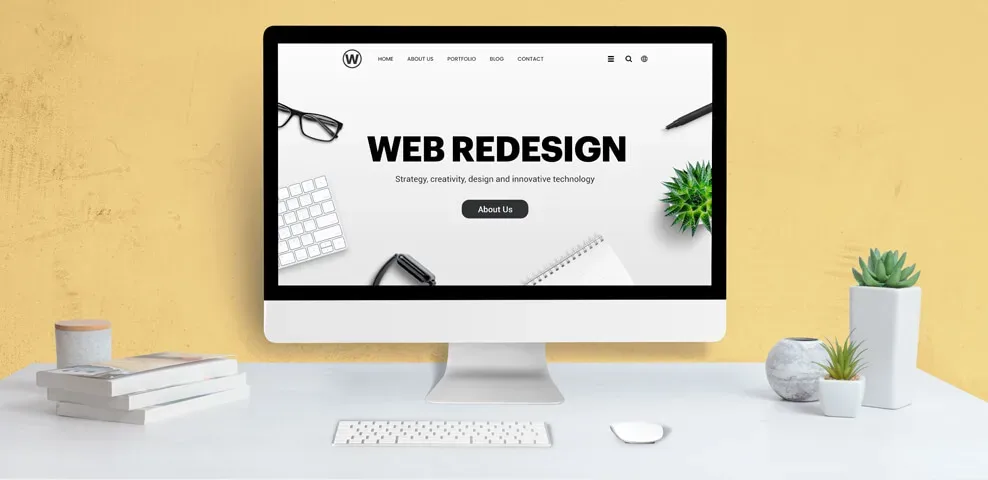
Your website is often one of the first places potential customers visit before choosing your business.
An outdated design, slow loading speed or confusing navigation can create a poor experience and affect how visitors interact with your brand.
A website redesign is not simply about changing colours or adding animations. It involves improving the overall structure, usability, functionality and performance of your digital platform.
Let's explore the major signs that indicate your business may need a website redesign in 2026.
1. Your Website Looks Outdated
Website design trends and user expectations continue to evolve.
An outdated website may contain:
Old-fashioned layouts.
Poor typography.
Inconsistent colours.
Low-quality images.
Unorganised sections.
Outdated content.
A modern website should reflect your current brand identity and communicate your business professionally.
2. Your Website Is Not Mobile-Friendly
Customers access websites through smartphones, tablets and desktop computers.
If your website does not adapt properly to different screen sizes, visitors may struggle with:
Reading content.
Navigating menus.
Clicking buttons.
Filling out forms.
Viewing images.
Accessing important information.
Responsive design helps provide a consistent experience across devices.
3. Your Website Loads Slowly
Website speed affects usability and can influence search performance.
Common reasons for slow loading include:
Large image files.
Unnecessary scripts.
Poor hosting performance.
Excessive plugins.
Unoptimised code.
Too many external resources.
Review your website using tools such as Google PageSpeed Insights and identify areas that need improvement.
4. Visitors Are Not Taking Action
A website should guide visitors towards meaningful actions.
These may include:
Contacting your business.
Requesting a quotation.
Booking a consultation.
Purchasing a product.
Subscribing to updates.
If visitors leave without interacting, review your page structure, content, calls to action and enquiry process.
5. Your Website Navigation Is Confusing
Navigation should make it easy for visitors to find relevant information.
A good navigation structure should include:
Clear menu labels.
Logical page organisation.
Accessible contact details.
Relevant internal links.
Simple navigation paths.
Avoid overcrowding menus with unnecessary options.
6. Your Website Is Not SEO-Friendly
A visually attractive website may still struggle to attract organic traffic if its technical and content foundations are weak.
Review:
Page titles.
Meta descriptions.
Heading structure.
URL organisation.
Internal linking.
Image ALT text.
Mobile usability.
Indexing status.
Core Web Vitals.
A redesign should consider SEO before development begins to minimise the risk of losing existing search visibility.
7. Your Website Does Not Reflect Your Current Brand
Businesses evolve over time.
You may have introduced new services, changed your brand identity or entered new markets.
Your website should reflect these developments.
Update:
Brand colours.
Logo usage.
Service descriptions.
Portfolio.
Company information.
Customer testimonials.
Contact information.
8. Your Website Is Difficult to Manage
A website should allow authorised team members to update important information without unnecessary technical complications.
Consider whether your current website supports:
Content updates.
Blog publishing.
Image management.
Product management.
Form management.
Website analytics.
Security updates.
A suitable content management system can simplify routine website maintenance.
9. Your Website Has Security or Compatibility Issues
Security and compatibility are essential for maintaining a reliable website.
Warning signs include:
Outdated software.
Broken website features.
Insecure forms.
Compatibility problems.
Unsupported plugins.
Missing SSL protection.
Regular maintenance and appropriate security measures help protect your website and its users.
10. Your Competitors Offer a Better Online Experience
Review how competing businesses present their services online.
Look at:
Website navigation.
Service pages.
Visual design.
Mobile experience.
Content quality.
Contact options.
Customer resources.
Use competitor research to identify opportunities, not to copy another business's website.
11. Essential Elements of a Modern Business Website
A modern business website should focus on usability and clarity.
Element | Purpose |
Responsive Design | Supports different screen sizes |
Fast Loading | Improves user experience |
Clear Navigation | Helps visitors find information |
SEO Structure | Supports search visibility |
Strong CTAs | Encourages meaningful actions |
Secure Website | Protects users and data |
Quality Content | Communicates business value |
Analytics | Helps monitor performance |
12. What Should You Check Before Redesigning?
Before starting a redesign, conduct a proper website audit.
Review:
Existing website traffic.
Current keyword rankings.
High-performing pages.
Broken links.
Mobile usability.
Page loading speed.
Existing backlinks.
Conversion performance.
Security configuration.
Customer feedback.
Create backups and plan URL redirects wherever URLs need to change.
13. Why Choose Tryone Digital Labs?
Tryone Digital Labs provides digital marketing, branding and technology solutions for businesses.
Our website-related capabilities can include:
Website design.
Website development.
Responsive design.
UI/UX planning.
SEO optimisation.
Landing page development.
Website performance analysis.
Website maintenance.
Our goal is to help businesses create functional, professional and user-friendly digital experiences.
Website: https://www.tryonedigitallabsind.com/
Comments (0)
Be the first to comment.
Keep reading
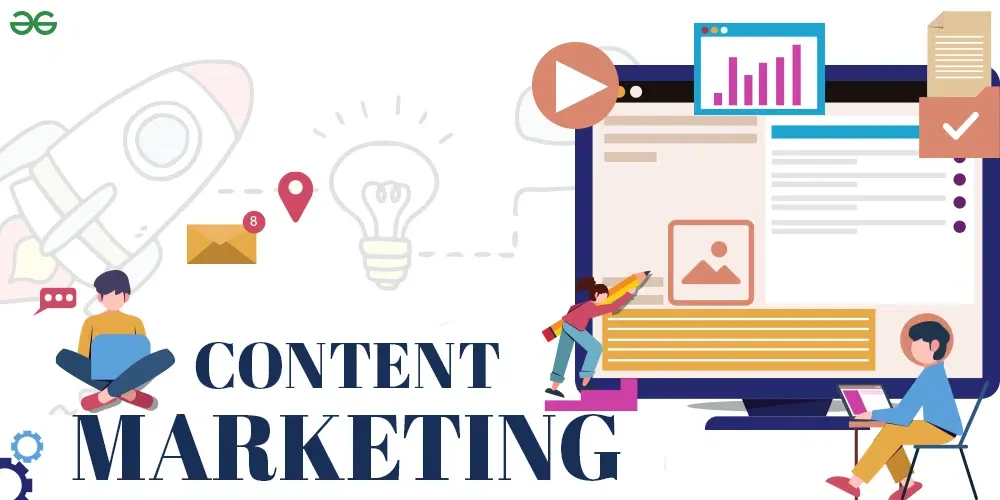
Content Marketing in 2026: How Valuable Content Builds Customer Trust
Customers want useful information before making decisions. Learn how businesses can use blogs, videos, social media and educational content to build credibility and stronger customer relationships.
Performance Marketing in 2026: How to Turn Advertising into Measurable Growth
Digital advertising is more than spending money on campaigns. Discover how performance marketing helps businesses track results, understand customer behaviour and optimise advertising investments.

Digital Marketing for Startups: How to Build Your Brand from Zero
Starting a business is challenging, especially when building brand awareness from scratch. Discover how startups can use digital marketing, content, SEO and social media to establish their presence.