

Homestay Photography Tips for Sikkim That Bring More Bookings
Simple photography tips for Sikkim homestays: use daylight, show real rooms and views, write honest captions and share on Google, Instagram and WhatsApp.
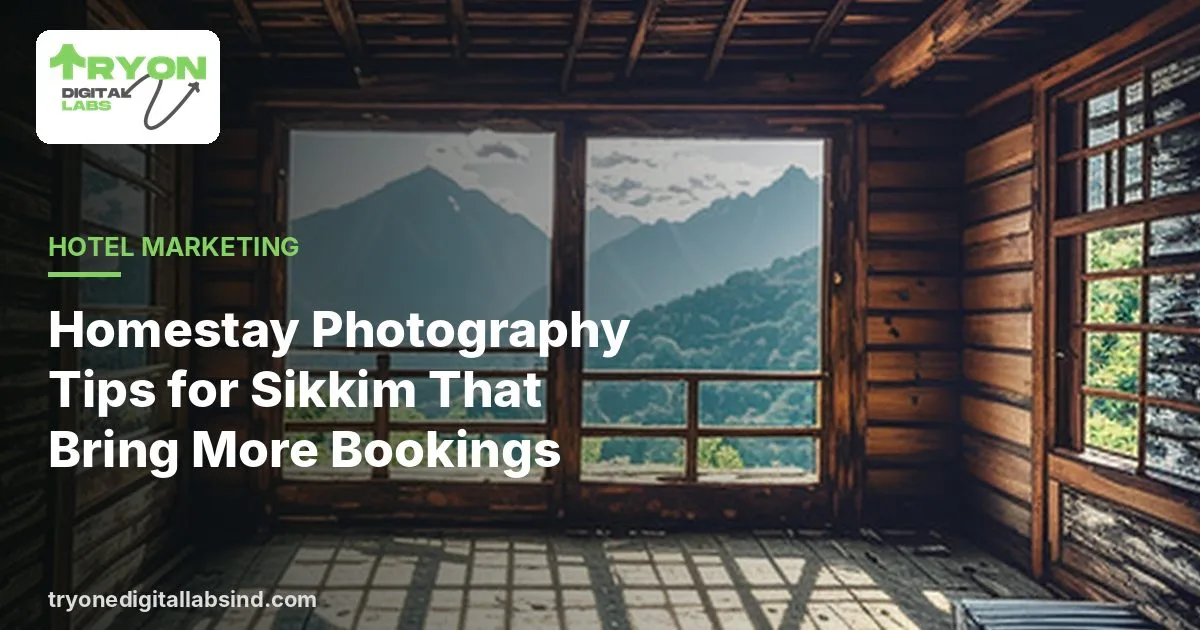
TL;DR: For a Sikkim homestay, photos are the first thing a traveller judges. Shoot in daylight, show real rooms, bathrooms, views and food, keep images honest, add a short caption for each, and put your best five photos first on Google, Instagram and booking pages. A phone camera is enough if you follow a few simple habits.
Why photos decide bookings
Travellers cannot visit before they book, so photos replace the first walk-through. Clear, honest pictures reduce doubt. Blurry, dark or misleading images do the opposite and send guests to another stay. Good photography is one of the cheapest ways to improve your homestay marketing.
Step 1: Prepare the space
- Clean the room, make the bed neatly and remove personal clutter.
- Open curtains and switch on warm lights where needed.
- Keep towels, water and small welcome items tidy.
- Check that the bathroom is spotless before you photograph it.
Step 2: Use daylight and steady hands
Natural morning or late afternoon light usually gives the best result. Turn off the flash, clean your phone lens, hold the phone steady or use a small tripod and keep the horizon level. Take photos horizontally for most websites and vertically for Instagram stories and Reels.
Step 3: Cover the full experience
- Exterior and entrance, so guests can recognise the place.
- Each room type with the bed, window and workspace.
- Bathroom and hot water facilities.
- The view from the window or balcony at a time when it is usually visible.
- Dining area, local food and the kitchen if guests can use it.
- Common spaces such as the garden, bonfire area or sit-out.
Step 4: Stay honest
Do not use filters that change colours heavily, do not show views that are not visible from the property and do not use photos of other places. If a view depends on weather, say so in the caption. Honest photos lead to better reviews because guests find what they expected.
Step 5: Add useful captions and details
Write a short caption such as room type, bed size and one key feature. Add your location, nearest landmark and road access details in the description. Complete your Google profile with the same photos and information. Our guide on local SEO and Google Business visibility explains how to set this up.
Step 6: Share on the right channels
Post your best photos on Google, Instagram and Facebook, and use them on your WhatsApp catalogue. Reply to enquiries quickly with two or three relevant photos. For setup ideas, see WhatsApp marketing for business.
Step 7: Refresh seasonally
Update your photos when the property changes, when seasons change or when you add a new facility. Fresh photos signal that the listing is active and accurate.
Common mistakes to avoid
- Dark photos taken at night with flash.
- Crooked angles and cluttered rooms.
- Using the same two images everywhere.
- Posting guests' faces without permission.
- Hiding drawbacks such as a steep road or shared bathroom.
Frequently asked questions
Do I need a professional photographer?
Not always. A clean space, daylight and a steady phone can produce good results, though a professional can help for a full shoot.
How many photos should I upload?
Aim for at least fifteen to twenty clear photos covering rooms, views, food and common areas.
Can I edit photos?
Light brightness and straightening are fine, but avoid edits that change the truth of the place.
Can Tryone Digital Labs help?
Yes. We help hotels, homestays and tourism brands across Sikkim, Darjeeling and North Bengal with profiles, content and enquiry workflows.
Talk to Tryone Digital Labs
If you run a homestay and want more direct bookings, message us on WhatsApp: https://wa.me/918637808469.
Comments (0)
Be the first to comment.
Keep reading

Furniture Showroom Marketing in Guwahati for Walk-ins and Enquiries
How a Guwahati furniture showroom can earn more walk-ins and enquiries with real room photos, clear details, Google reviews and polite follow-up.

Dental Clinic Marketing in Siliguri Built on Trust and Patient Education
TL;DR: Patients choose a dentist they trust. A dental clinic in Siliguri can build that trust with a complete Google Business Profile, a simple website, clear i
Salon and Spa Marketing in Siliguri That Brings Repeat Bookings
A simple plan for Siliguri salons and spas: complete Google profile, real Instagram work, WhatsApp booking, honest reviews and visit reminders.
