
Google Business Profile: Complete Guide for Local Businesses in 2026
Your Google Business Profile can help customers discover your business through Google Search and Maps. Learn how to set it up, verify details, manage reviews, publish updates and monitor performance.
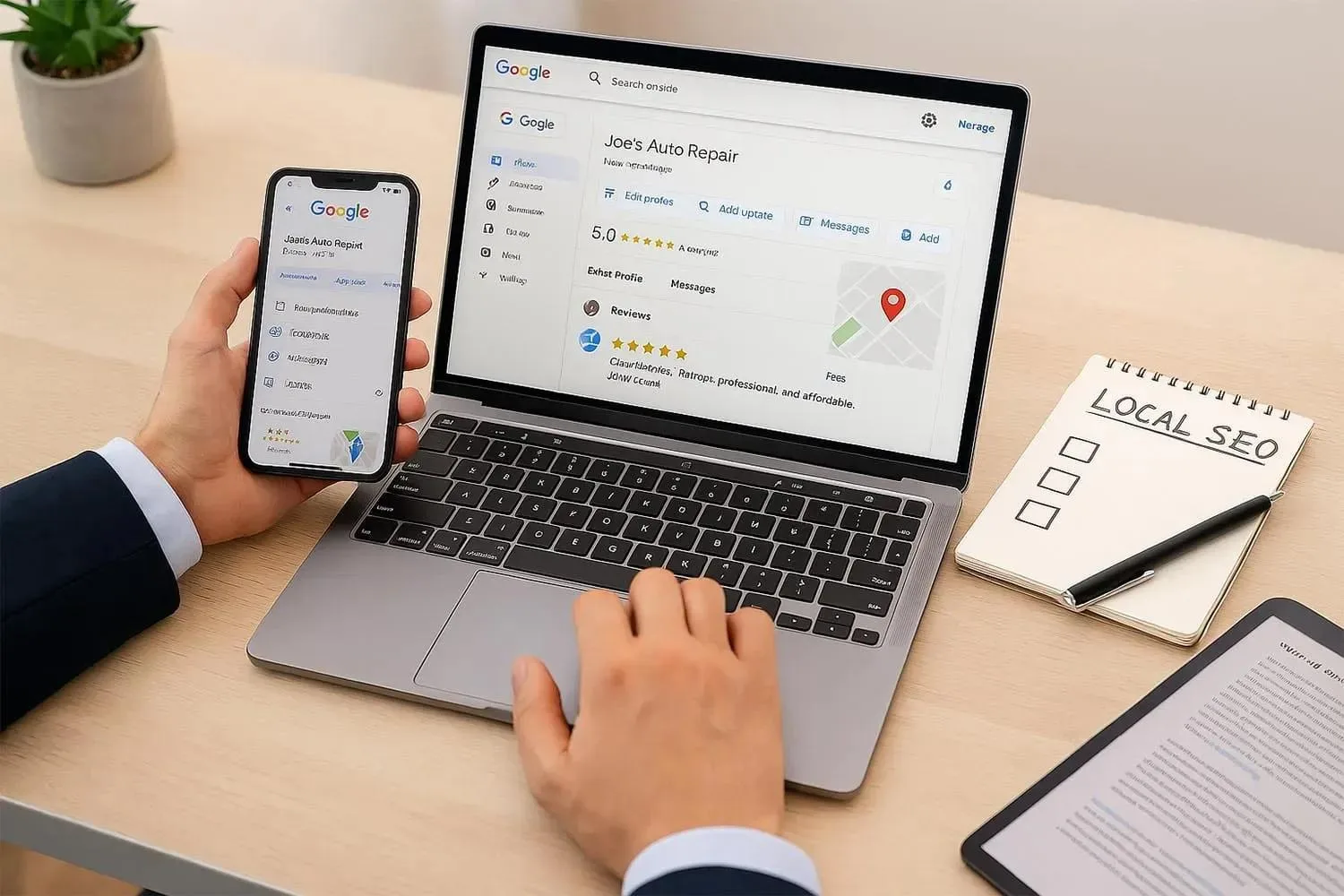
When customers search for a nearby business on Google, they may see business information, photographs, reviews, contact details and directions directly in the search results.
For local businesses, this information can influence whether a potential customer visits, calls or explores a website.
Google Business Profile helps eligible businesses manage how they appear on Google Search and Google Maps. It is an important part of a local digital presence, particularly for businesses that serve customers in a defined geographical area.
In this guide, we explain how to create, optimise and maintain a Google Business Profile in 2026.
1. What Is Google Business Profile?
Google Business Profile is a free tool that allows eligible businesses to manage their business information across Google Search and Maps.
Depending on the business type and available features, a profile can display:
Business name.
Business category.
Address or service area.
Phone number.
Website.
Opening hours.
Photographs and videos.
Customer reviews.
Products and services.
Business updates.
The purpose is to help customers find accurate information about a business.
2. Why Is Google Business Profile Important?
A complete and accurate profile can help customers understand whether your business meets their needs.
It can support:
Local business discovery.
Customer calls.
Website visits.
Direction requests.
Customer confidence.
Brand visibility.
Access to reviews and business information.
For businesses in Siliguri and North Bengal, maintaining accurate information can make it easier for customers to discover relevant local services.
3. How to Create or Claim a Business Profile
The basic process is:
Visit the official Google Business Profile website.
Sign in using the appropriate Google account.
Search for your business to check whether a profile already exists.
Add or claim the business if eligible.
Enter the real business name.
Select the most relevant primary category.
Add the correct business location or service area.
Provide contact information and website details.
Complete Google's verification process where required.
Review the profile for accuracy.
Use the official platform: https://www.google.com/business/
4. Select the Correct Business Category
Your primary category helps Google understand the main activity of your business.
Choose the category that most accurately represents what the business does.
For example:
A restaurant should select an appropriate restaurant category.
A pharmacy should choose the relevant pharmacy category.
A property agency should select an appropriate real estate category.
A marketing agency should choose the most accurate available marketing-related category.
Additional categories should only be used when they genuinely describe services offered.
Do not select unrelated categories simply to appear in more searches.
5. Add Accurate Business Information
Keep your business details consistent and up to date.
Check the following:
Business Name
Use your genuine real-world business name. Do not add unnecessary keywords or location names.
Address
For businesses that serve customers at a physical location, enter the correct address. Businesses that operate as service-area businesses should configure their profile according to Google's rules.
Phone Number
Use a number customers can contact.
Website
Add the correct official website.
Business Hours
Keep opening hours accurate, including special hours when applicable.
Service Area
Mention only locations where your business genuinely provides services.
6. Upload Quality Business Photographs
Photographs help potential customers understand what to expect.
Useful image categories include:
Business exterior.
Interior and workspace.
Products.
Team photographs.
Services in action.
Equipment and facilities.
Completed projects.
Use genuine, clear and relevant photographs. Avoid misleading images, excessive promotional text and photographs that do not represent the business.
Update your photographs when the business changes or new work becomes available.
7. Manage Customer Reviews Professionally
Reviews are an important part of a customer's research process.
A good review-management process should include:
Invite genuine customers to share honest feedback.
Provide an easy way to access the review form.
Respond professionally to reviews.
Thank customers for positive feedback.
Address complaints respectfully.
Report reviews that appear to violate Google's policies.
Never purchase fake reviews, create reviews using multiple accounts or offer rewards in exchange for positive reviews.
8. Publish Relevant Business Updates
Where Google provides posting features for your profile, use them to share useful and accurate information.
Examples include:
New product announcements.
Service updates.
Seasonal business information.
Upcoming events.
Important announcements.
Offers that comply with Google's policies.
Keep posts factual, relevant and current. A profile should provide useful information rather than repetitive promotional messages.
9. Add Products and Services
Where applicable, use the products and services features to explain what your business offers.
For each relevant item, provide:
Accurate service or product name.
Clear description.
Relevant photographs.
Correct pricing information where appropriate.
Useful details that help customers make decisions.
Do not add products or services that the business does not actually provide.
10. Track Google Business Profile Performance
Use the performance information available in your profile to understand how customers interact with your listing.
Depending on reporting availability, monitor:
Search terms.
Profile views.
Calls.
Website clicks.
Direction requests.
Other customer interactions.
Compare performance over time and investigate changes. Do not assume that every profile view represents a new customer or sale.
11. Common Google Business Profile Mistakes
Avoid these problems:
Creating duplicate business profiles.
Using an inaccurate business name.
Selecting unrelated categories.
Providing an incorrect address.
Ignoring profile verification requirements.
Uploading misleading photographs.
Buying fake customer reviews.
Leaving outdated opening hours.
Ignoring customer questions and feedback.
Adding locations where the business does not operate.
Always follow Google's Business Profile guidelines.
12. Google Business Profile and Local SEO
Google Business Profile and website SEO can support each other as part of a wider local search strategy.
A business should maintain:
Accurate business information.
A useful and mobile-friendly website.
Relevant local content.
Consistent contact details.
Genuine customer reviews.
Clear product and service descriptions.
Proper website indexing and technical SEO.
There is no guaranteed ranking position. Google's local results depend on multiple factors, including relevance, distance and prominence.
13. Why Choose Tryone Digital Labs?
Tryone Digital Labs offers digital marketing, branding, creative and technology solutions for businesses.
Our local digital presence services can include:
Google Business Profile setup guidance.
Profile optimisation.
Business information review.
Local keyword research.
Website SEO recommendations.
Content planning.
Review-management guidance.
Performance analysis.
Our objective is to help businesses create a more organised and credible online presence.
Comments (0)
Be the first to comment.
Keep reading
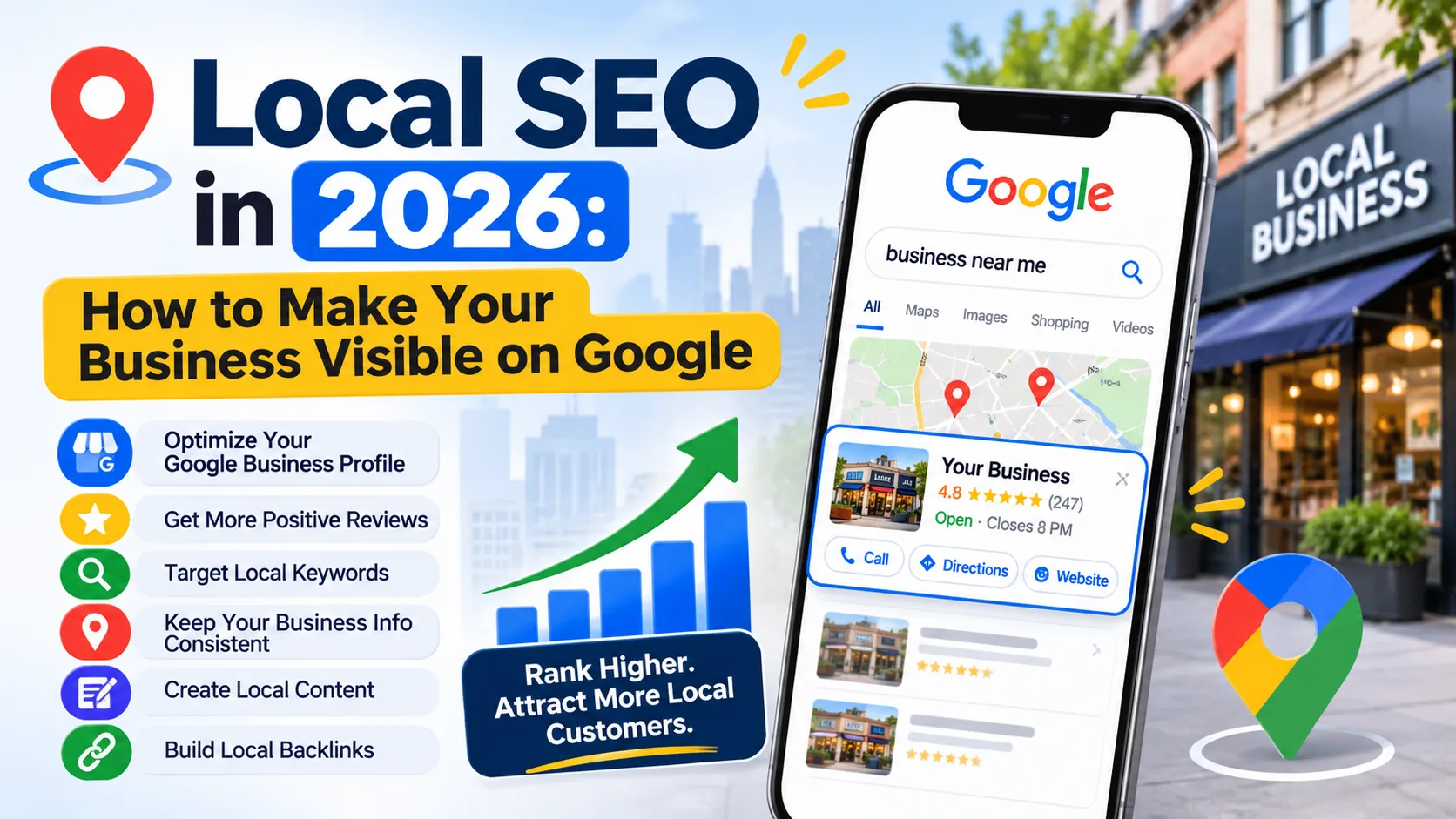
Local SEO in 2026: How to Make Your Business Visible on Google
Local customers are searching online before choosing a business. Learn how Google Business Profile optimisation, local keywords, customer reviews and location-based SEO can improve your business visibility.
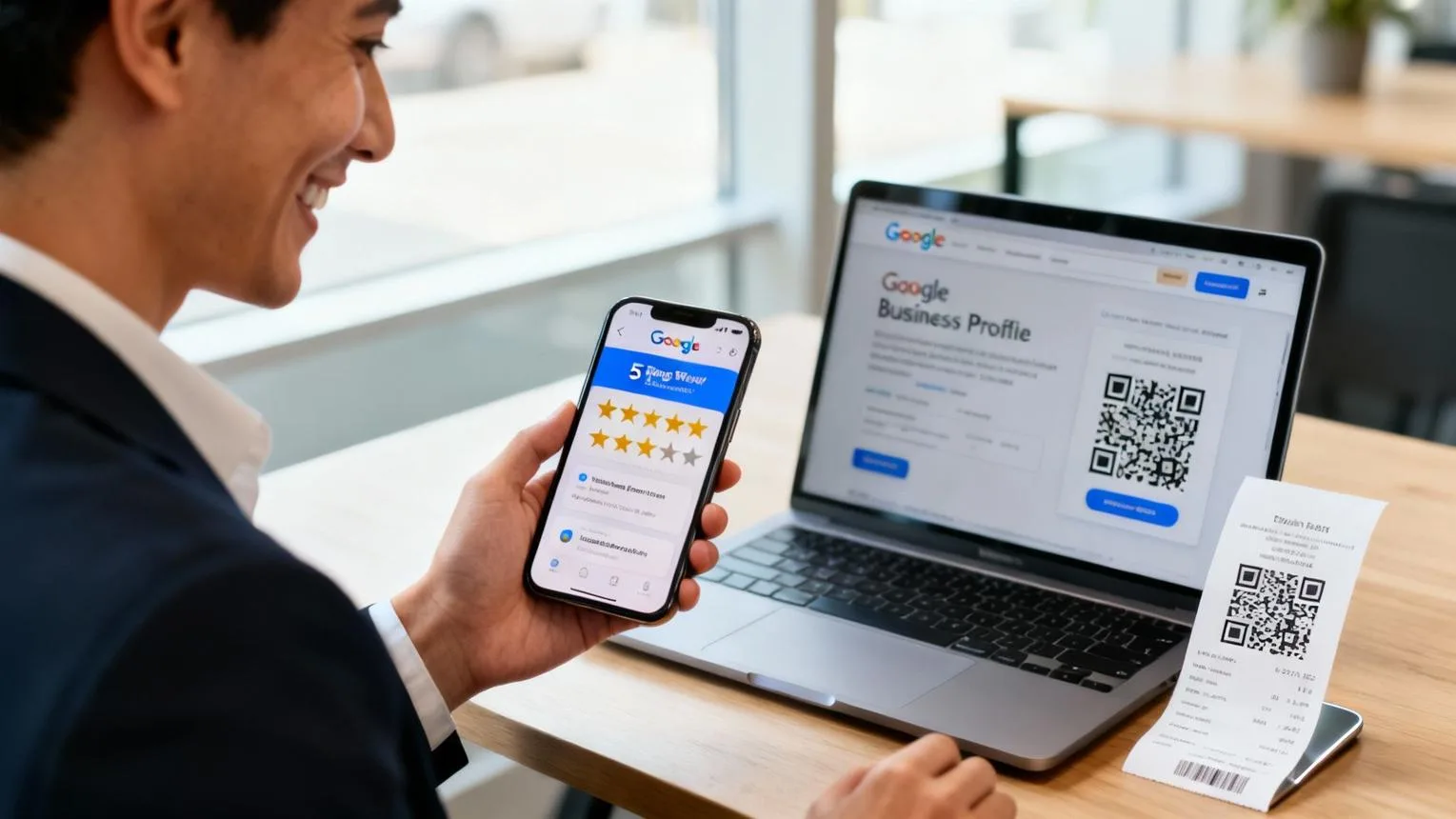
Online Reputation Management: How to Build Customer Trust
Your online reputation can influence how potential customers evaluate your business. Discover how to monitor reviews, respond to feedback, handle complaints and build customer trust through transparent communication.

Content Marketing Strategy for Businesses in Siliguri in 2026
Content marketing helps businesses educate audiences, communicate expertise and build long-term brand trust. Discover how to plan blogs, videos, social media content and campaigns for your business in 2026.